In-App Command Line
The command line inside Hike behaves like a focused shell for Markdown-centric navigation. It supports history, completion, forge shortcuts, and sidebar jumps.
Command overview
Section titled “Command overview”| Command | Aliases | Area | Purpose |
|---|---|---|---|
bookmarks | b, bm | Navigation | Jump to bookmarks and open the navigation panel if needed. |
contents | c, toc | Navigation | Jump to the current document’s table of contents. |
history | h | Navigation | Jump to document history. |
local | l | Navigation | Jump to the local file browser. |
bitbucket | bb | Forges | Open Markdown from Bitbucket. |
codeberg | cb | Forges | Open Markdown from Codeberg. |
github | gh | Forges | Open Markdown from GitHub. |
gitlab | gl | Forges | Open Markdown from GitLab. |
chdir <dir> | cd, dir, ls | Local files | Change the local browser root. |
changelog | cl | Help | Open Hike’s change log. |
help | ? | Help | Open the in-app help dialog. |
obsidian | obs | Local files | Jump to the configured Obsidian vault root. |
readme | — | Help | Open Hike’s README. |
Opening content
Section titled “Opening content”Open a local file
Section titled “Open a local file”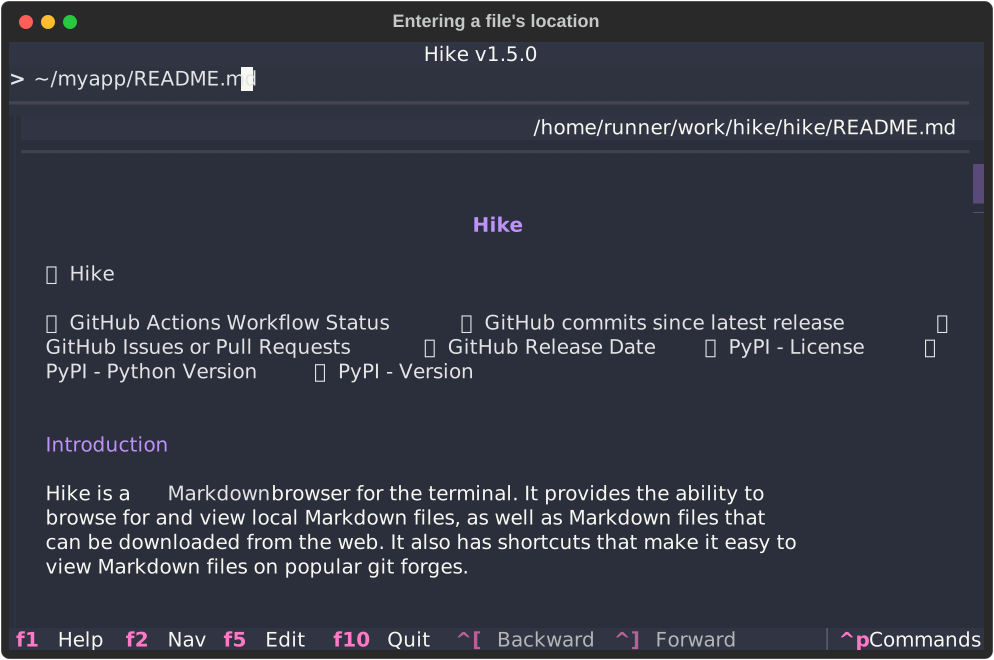
Open a remote URL
Section titled “Open a remote URL”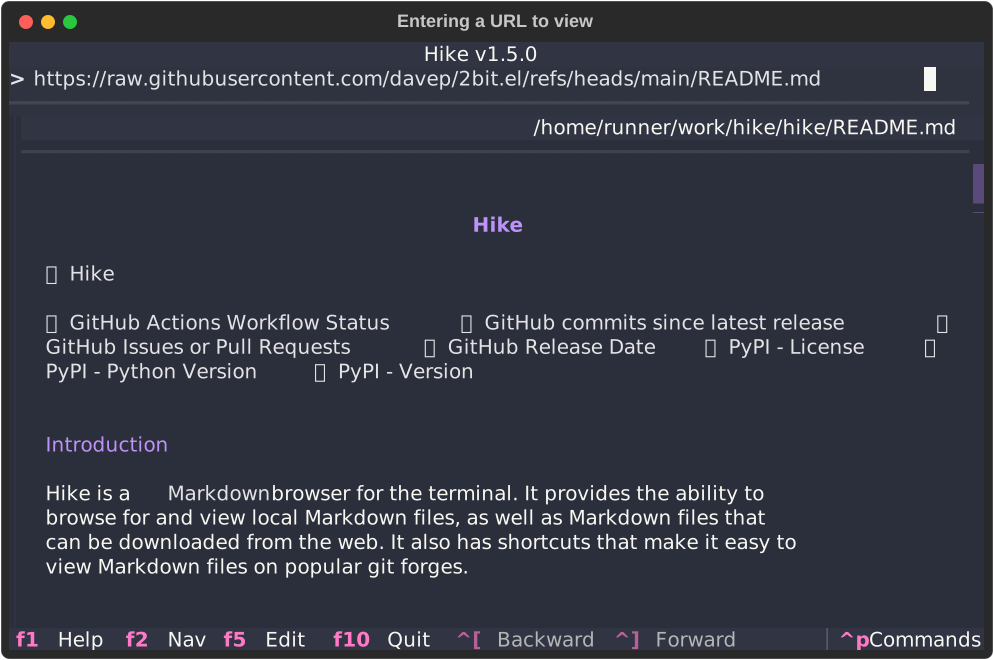
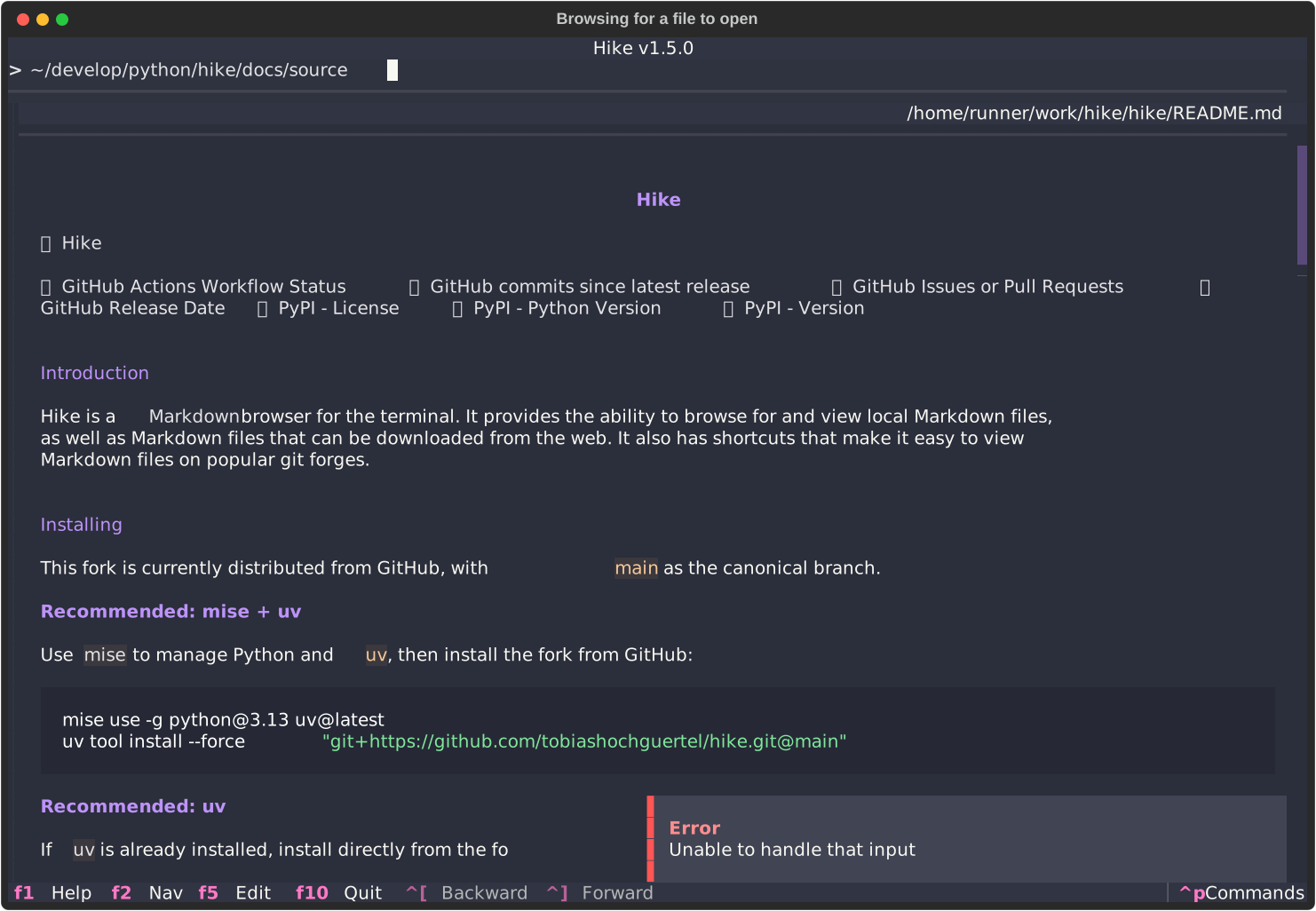
Start from a directory and browse
Section titled “Start from a directory and browse”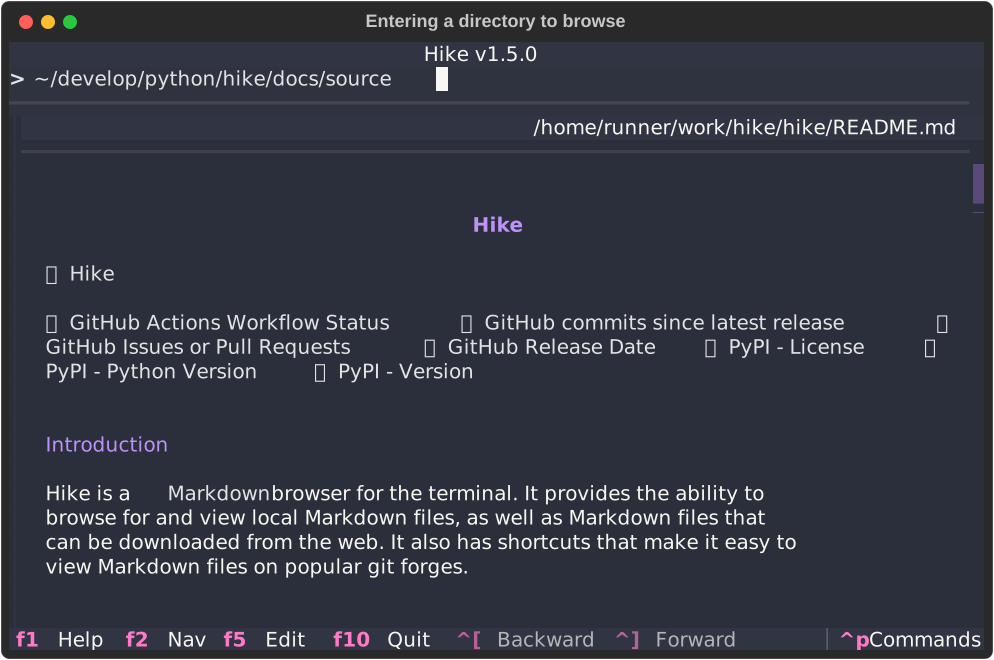
Navigation commands
Section titled “Navigation commands”Sidebar jumps
Section titled “Sidebar jumps”bookmarks/b/bmcontents/c/tochistory/hlocal/l
These commands all ensure the navigation panel is open and then move focus to the requested sidebar view.
Forge shortcuts
Section titled “Forge shortcuts”| Command | Alias | Host |
|---|---|---|
bitbucket | bb | Bitbucket |
codeberg | cb | Codeberg |
github | gh | GitHub |
gitlab | gl | GitLab |
Supported formats include:
<owner>/<repo><owner>/<repo> <file><owner>/<repo>:<branch><owner>/<repo>:<branch> <file>
Examples:
gh tobiashochguertel/hikegh tobiashochguertel/hike ChangeLog.mdgh tobiashochguertel/hike:revamp-readmeOther useful commands
Section titled “Other useful commands”chdir <dir>/cd/dir/ls— change the local browser rootchangelog/cl— open the fork change loghelp/?— show the help dialogobsidian/obs— jump to the configured Obsidian vault rootreadme— open the README